
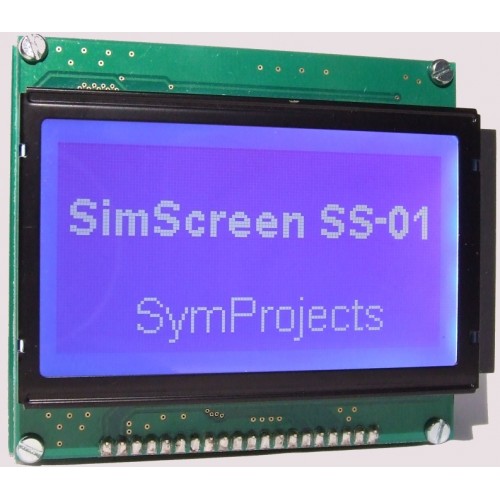

The SimScreen is a graphic LCD with resolution 128×64. Its dimensions are 86mm x 70mm, including the pcb and the backlight. The active area of the display is 67mm x 34mm. The SimScreen is very compact and with a depth of only 22 mm can be integrated into custom wheels and push button panels very easily.
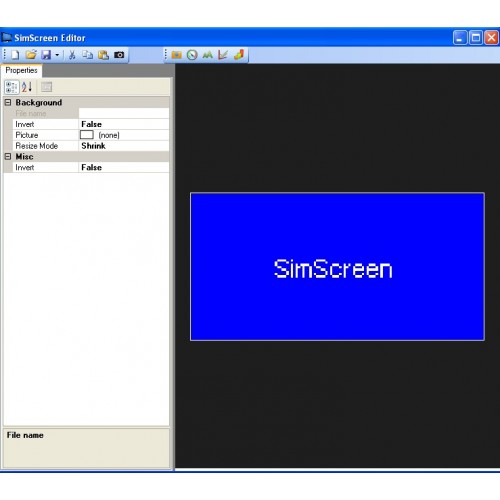
To make the SimScreen very flexible, everything shown on the display is completely configurable. The user will create his own design using an editor and will choose what data to display and how it should be represented. The type of data items that can be added to a design ranges from engine data (rpm, gear, speed, oil temp, fuel, turbo pressure…) to tyres data (pressure, temperature, or wear and brake temperature) or many others including lap time, best lap time, distance from the leader or from the next car, number of current lap, current position…
Each data item can be represented with a number, a gauge, a bar, a chart or with an animation you will draw.
Not every data item is available with every simulator. The spreadsheet below contains a list of what data is available with each simulator.

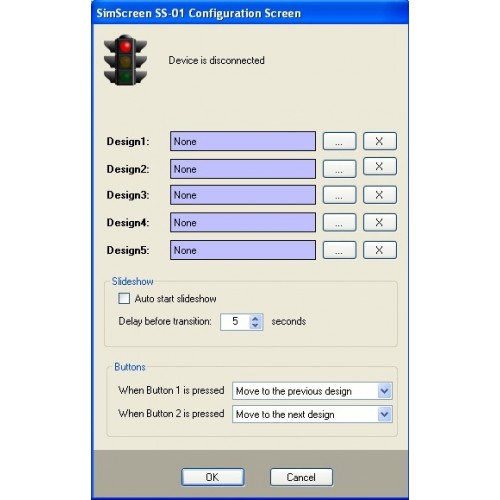
The display includes two push buttons that must be connected to the back of the display and they allow you to change the design that is currently shown.
The Documentation Page contains the details of how the editor works and how to create your own design. There is also a gallery to download designs created by other users.
For more advanced installation, more SimScreen displays can be used at the same time.
SimScreen
- Product Code: SimScreen
-
£44.90